
Why did my whole book import as one chapter?
Your file had no chapter headings Bunsho could read. Here is how to fix it and import again.
Updated October 15, 2026
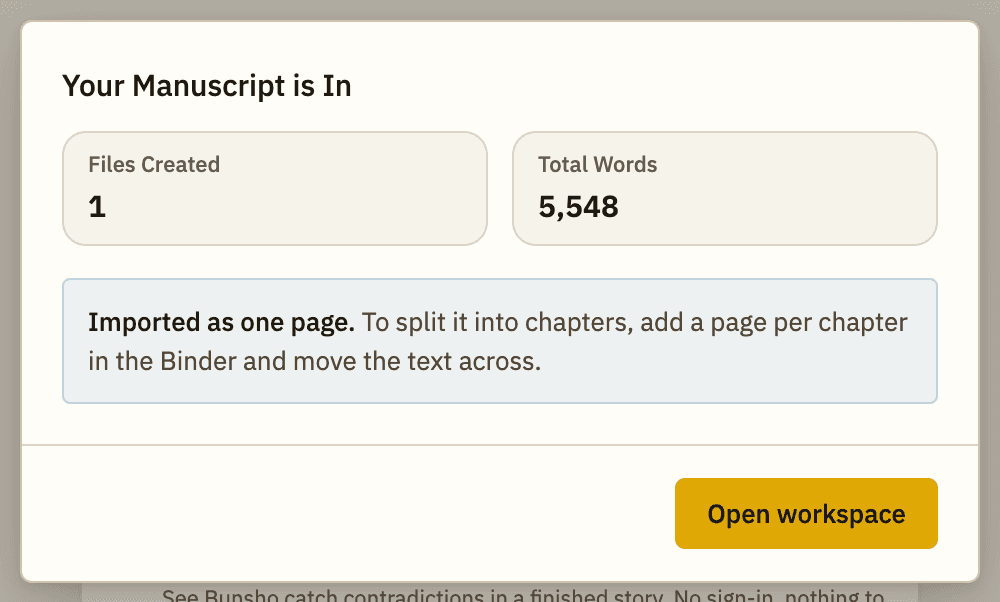
After the import you see Imported as one page. and your whole book sits in a single chapter.
Why it happens
Bunsho starts a new chapter wherever your file has a real heading. If the chapter titles are only bold, centered, or set in a bigger size, Bunsho cannot tell they are titles, so the book arrives as one long page. Nothing is lost: every word is there.
Fix it
- Open your original file in Word (or the app you wrote it in).
- Select the first chapter title. In Word, open the Styles gallery on the Home tab and choose Heading 1 (or Heading 2). Do the same for every chapter title.
- If your file is Markdown, put a # at the start of each chapter title line instead.
- Save the file. Keep your original copy somewhere safe too.
- In Bunsho, choose File → Import Document... and pick the file again.
- Check the import window. It should now say how many chapters were created.
If you would rather split it inside Bunsho
Bunsho suggests this for a book that came in as one page: add a page for each chapter in the Binder and move the text across. Fixing the headings and importing again is usually quicker for a whole novel.
A book that stays as one very long chapter cannot be checked for continuity. See My chapter is too long to check.
Still stuck? Write to support@bunsho.io and attach the file if you can.
Related articles
Still stuck?
Write to us and tell us what you were trying to do. A person reads every message.
Email support@bunsho.io