
Sign in and what needs an account
Sign in with Google to turn on Director, World, the Planner and continuity checks. Writing never needs an account.
Updated October 15, 2026
You can download Bunsho and write with no account. You sign in when you want the features that need one: continuity checks, Director, World and the Planner.
What needs an account
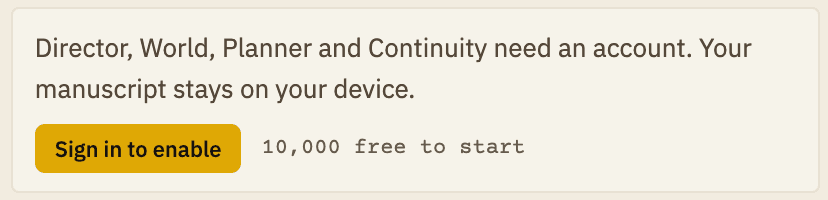
- Continuity checks, Director, World and the Planner. Signed out, the side panel says these need an account.
- Credits. Your balance, your plan and your invoices belong to your account.
- Writing reminders by email (the app tells you about these when you sign in, and you can turn them off in Settings).
Writing, the binder and your files do not need an account.
Sign in
- Click Sign in at the bottom of the binder (it says "Sync credits & AI" underneath). You can also click Sign in to enable in the side panel, or open Settings and choose Account.
- Bunsho opens your web browser. Choose your Google account there.
- When you are done, Bunsho comes back to the front. Your balance and plan appear.

Bunsho supports signing in with Google. When you sign in for the first time, the app shows the free starter credits you get to try checks and Director.
Check who you are signed in as
Open Settings (⌘, on Mac, Ctrl+, on Windows) and choose Account. You see your name and email.
Sign out
- Open Settings and choose Account.
- Click Sign Out.
Your books stay exactly where they are. You can keep writing. The features that need an account turn off until you sign in again.
Related articles
Still stuck?
Write to us and tell us what you were trying to do. A person reads every message.
Email support@bunsho.io