
Delete a chapter
A deleted chapter goes to your Trash (Mac) or Recycle Bin (Windows), so you can get it back.
Updated October 15, 2026
Delete a chapter
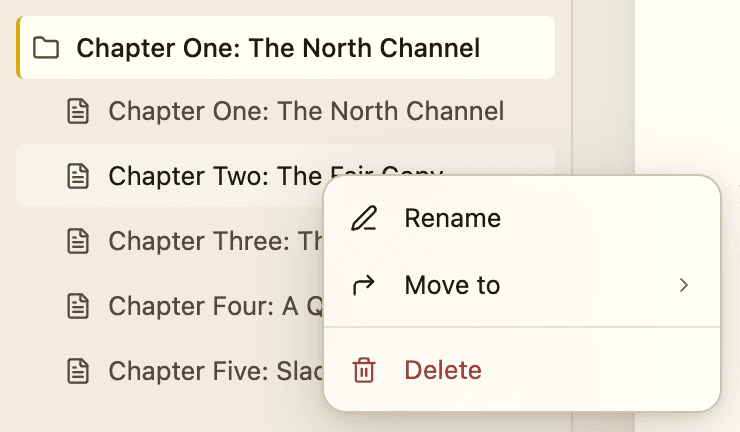
- In the binder, right-click the chapter.
- Choose Delete.
- If the chapter has writing in it, a message asks Move "Chapter name" to Trash? and shows the word count. Click to confirm.
The message says "The page file goes to your system Trash and can be restored from there." Empty chapters are removed without asking.
Get a chapter back
Open the Trash on Mac, or the Recycle Bin on Windows, and restore the chapter's file. Then reopen the book.
Careful:If you empty the Trash, the chapter is gone for good. If you have a backup, restore from it. See Back up your books.
Delete a whole book
Bunsho does not have a delete-book button. Close the book (File, then Close Workspace), then move its .boworkspace folder to the Trash yourself in Finder or File Explorer. Make sure you have a copy first.
Related articles
Back up your booksBunsho saves a daily backup on your computer. You can also back up now or copy the folder yourself.Where your files liveYour book is a folder of plain files on your computer. You choose where it goes.Export your manuscriptSave your book as a Word or Markdown file, with a title page if you want one.
Still stuck?
Write to us and tell us what you were trying to do. A person reads every message.
Email support@bunsho.io