
Use focus mode to write without distractions
Hide the binder and side panel so only your page is left.
Updated October 15, 2026
Focus mode hides everything but your chapter. The binder on the left and the panel on the right disappear. The page sits in the middle of the window.
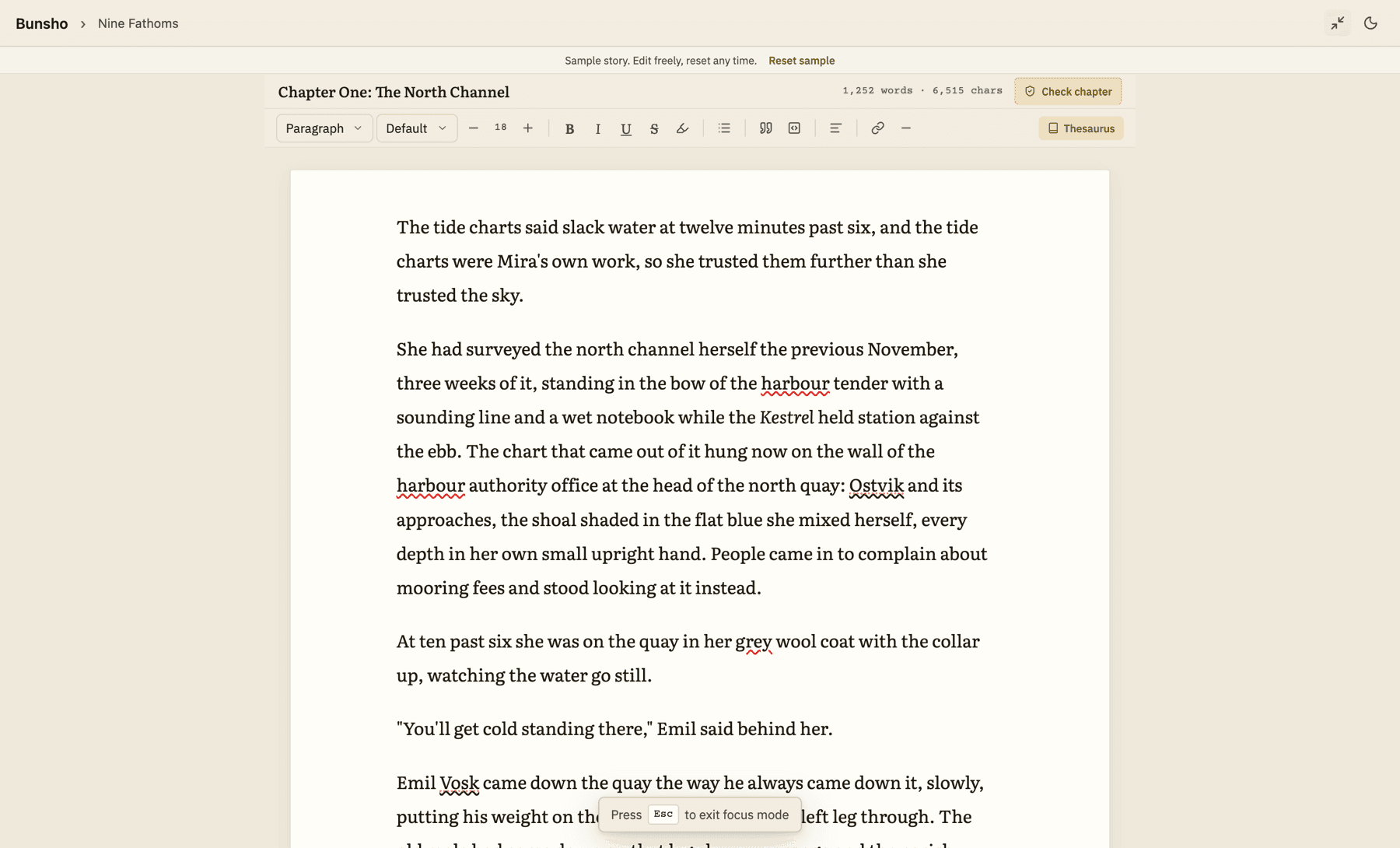
Turn it on
- Open a chapter.
- Press ⌘⇧D on Mac or Ctrl+Shift+D on Windows. Or click the arrows button at the top right of the window. Its hint reads Enter Focus Mode.
- A small strip appears at the bottom for a moment: Press Esc to exit focus mode.
Turn it off
- Press Esc.
- Or press ⌘⇧D / Ctrl+Shift+D again, or click the same button (now reading Exit Focus Mode).
Tip:If a menu or a dialog is open, Esc closes that first. Press it once more to leave focus mode.
Good to know
- Bunsho remembers focus mode. If you close the app while it is on, it is still on next time.
- Focus mode is not available in the Planner. Opening the Planner turns it off.
- Your goals counter, the light and dark switch and the rest of the title bar stay where they are.
Related articles
Write in the editorStyle your text, change the font and size, and know that your words are saved as you type.Keyboard shortcutsEvery shortcut in Bunsho, for Mac and Windows.Set a word goal, keep a streak, get remindersSet a daily goal, see today's words and your streak, and choose when Bunsho nudges you.
Still stuck?
Write to us and tell us what you were trying to do. A person reads every message.
Email support@bunsho.io